

Start playing in less than a minute

Bonus terms & conditions apply.
PlayOJO Casino Mobile App: Play Slots and Jackpots on iOS
PlayOJO Casino Mobile App
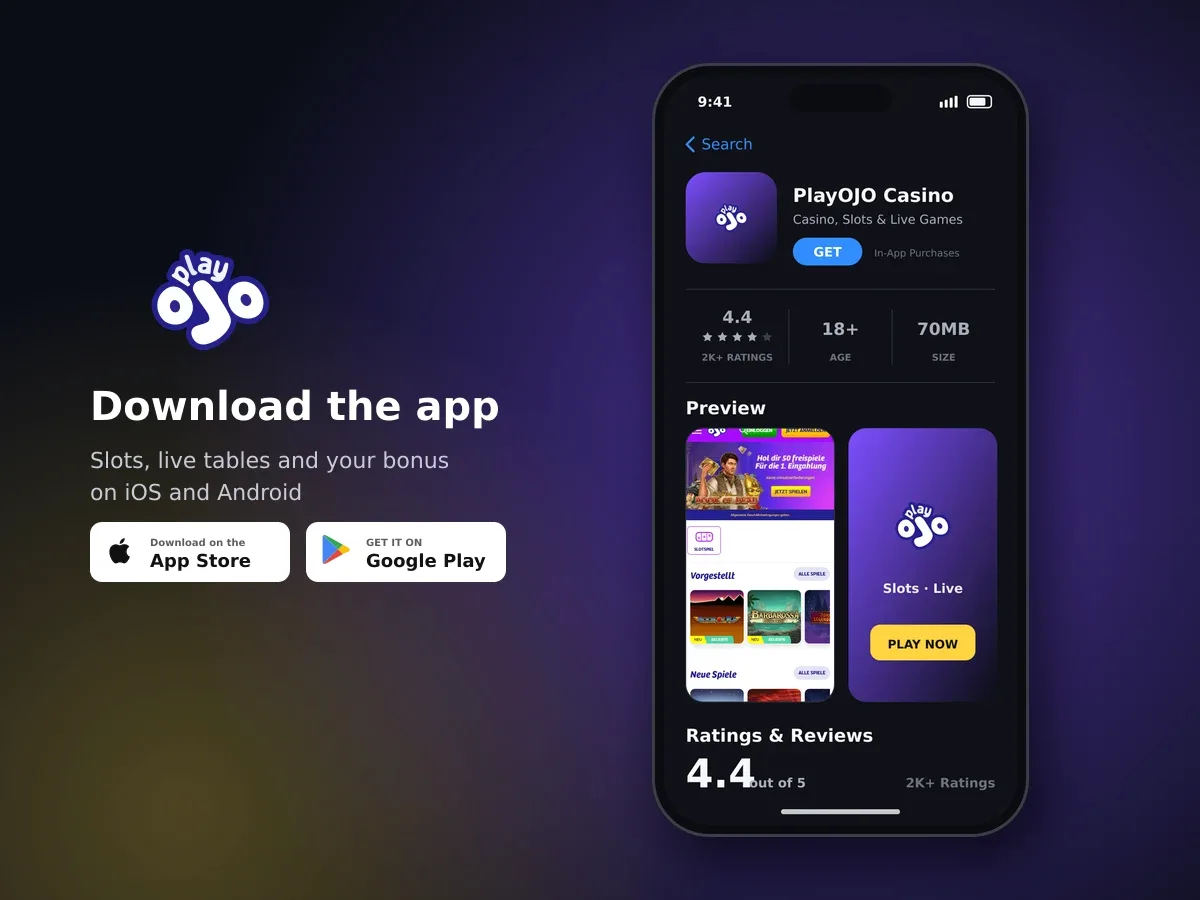
PlayOJO Casino
- 4.4 2K+ ratings
- 70MBSize
- 18+Age
- 20K+Downloads
The iOS app and what it puts in your hand
We have a mobile application for iOS, so your iPhone or iPad becomes a full place to play rather than a cut-down version of it. One account covers everything: sign in on the app and your balance, your game history and any active bonus are exactly where you left them.
The app is built around touch. Reels fill the screen, spin and bet controls sit under your thumb, and you can play one-handed in portrait or turn the device for a wider view of the grid. Nothing about the way a game pays changes between devices: the same real-play titles run on mobile as on desktop.
- One login, one wallet - deposits, bonus funds and winnings follow your account, not your device.
- Slots and jackpot games from the 26 studios in our catalogue.
- PayPal among the payment methods you can use from your phone.
- No win limit on what you win with us.
- Responsible gambling tools in the same account, including deposit limits and self-exclusion.
Getting the app running on your iPhone or iPad
Installing takes a couple of minutes. If you already have an account with us, you do not need a second one for mobile; the app signs you into the account you already hold.
- Open the App Store on your device
Use the iPhone or iPad you want to play on, so the app installs where you need it.
- Search for our app and install it
Confirm the download the way you normally approve an installation, with Face ID, Touch ID or your Apple password.
- Sign in with your account details
Use the same email or username and password you use on a larger screen. Your balance and any active bonus appear straight away.
- Set your limits before you spin
Open the responsible gambling settings and put a deposit limit in place. It takes thirty seconds and it decides how your month goes.
- Pick a game and set your stake
Choose a slot or a jackpot title, check the stake shown on the spin panel, and start small while you get used to the controls.
Keep the app updated and your screen locked
Let iOS install app updates so you are always on the current build, and keep a passcode or Face ID on the device. Your phone holds your casino balance, so treat it like your banking app.
What you can spin on a smaller screen
Our catalogue is slots and jackpot games, drawn from 26 studios including Pragmatic Play, Hacksaw Gaming, Nolimit City, NetEnt, Play'n GO, Push Gaming, ELK Studios, Relax Gaming and Red Tiger Gaming. Titles such as Gates of Olympus, Sweet Bonanza, Sugar Rush, Wanted Dead or a Wild and Tombstone RIP are among the ones players reach for first, and they are built for vertical screens as much as wide ones.
| Format | In our catalogue |
|---|---|
| Slots | Yes - the heart of the library, across 26 studios |
| Jackpot games | Yes |
| Live-dealer tables | Not part of our offering |
| Roulette, blackjack, baccarat and poker | Not part of our offering |

Register in minutes and play
If a game feels cramped, try the landscape view: high-volatility grid slots with many symbols are easier to read sideways, while classic five-reel games sit comfortably in portrait. Autoplay and quick-spin settings live in the same panel as your stake, so you can slow a session down as easily as you speed it up.
Claiming the Welcome Package from your phone
New players at PlayOJO Casino can claim our Welcome Package of up to £4,500 plus 100 Free Spins, and you can claim it from the app just as you would from a desktop. The terms are the same either way, so it is worth knowing the four numbers that matter before you deposit.
| Term | What applies |
|---|---|
| Offer | Up to £4,500 + 100 Free Spins |
| Wagering | 35× on bonus funds |
| Minimum deposit | £20 |
| Maximum bet while a bonus is active | £5 per spin |
| Time to use | 21 days |
A worked example with the real numbers
Say £50 in bonus funds lands in your account. At 35× on bonus funds, that is £50 × 35 = £1,750 in wagers before the bonus balance converts into cash you can take out. Played at the £5 maximum stake, that is 350 spins; spread across the 21-day window, roughly 17 spins a day keeps you comfortably inside the clock.
Two habits keep a bonus healthy on mobile. Keep an eye on the stake shown on the spin panel, because a fat-fingered tap on a bet-up button can push you past the £5 per spin cap while the bonus is live. And check the wagering progress in your account before you close the app, so you always know how much of the £1,750 is left.
Paying in from your phone, including PayPal
The cashier works the same inside the app as anywhere else, and PayPal is one of the methods we accept, which suits mobile well: you approve the payment in the PayPal app or with your usual sign-in and come straight back to your balance. The cashier shows the methods and the current limits available to your account when you open it.
We verify your identity before a withdrawal is processed, so it saves time to complete that step early rather than when you are waiting on a payout. There is no win limit on what you win with us, and we pay back to the account you funded, so keep your payment details current in your profile.
Keeping a phone account secure
Your account runs over an SSL-encrypted connection, so the data moving between the app and us is protected in transit. Identity verification before any withdrawal is processed is there for the same reason: it keeps the money tied to the person who earned it.

Join today and claim your welcome bonus
The rest is in your hands and takes very little effort. A phone that travels with you is easier to lose than a laptop, so a few basics matter more on mobile than anywhere else.
- Use Face ID, Touch ID or a passcode on the device itself.
- Never save your casino password in a shared notes app or let someone else use your unlocked phone.
- Sign out if you hand the device to anyone, including family.
- Avoid depositing over public Wi-Fi you do not trust; mobile data is the safer choice.
Staying in control when the casino is in your pocket
Playing on a phone is easy to pick up in a spare minute, which is exactly why limits help. Our responsible gambling tools, including deposit limits and self-exclusion, sit in your account and apply wherever you play. Play is for players aged 18 and over only, and it is entertainment with real risk: money you stake can be lost, and no amount of play changes that.
- Set a deposit limit that matches what you are happy to spend in a week or a month.
- Decide a session length before you open the app, and use your phone's own timer if that helps.
- Keep stakes small enough that 350 spins is realistic, rather than chasing a wagering target in a handful of big bets.
- Use self-exclusion if play stops being fun. It is there to be used, not as a last resort.
A limit set now applies to every session after it
Deposit limits are easiest to put in place on a calm day rather than mid-session. Set one when you install the app and it will be doing its job long before you need it.
Getting help without leaving the app
If something needs sorting - a payment that has not shown, a question about wagering progress, a verification step - live chat is the quickest route, with an average reply time of around five minutes. Have your account email to hand and describe what you were doing when the issue appeared; it shortens the conversation considerably.
For anything involving a payment, note the amount, the method and the time it happened before you start the chat. Screenshots from your phone are useful too, particularly if a game closed unexpectedly mid-spin.